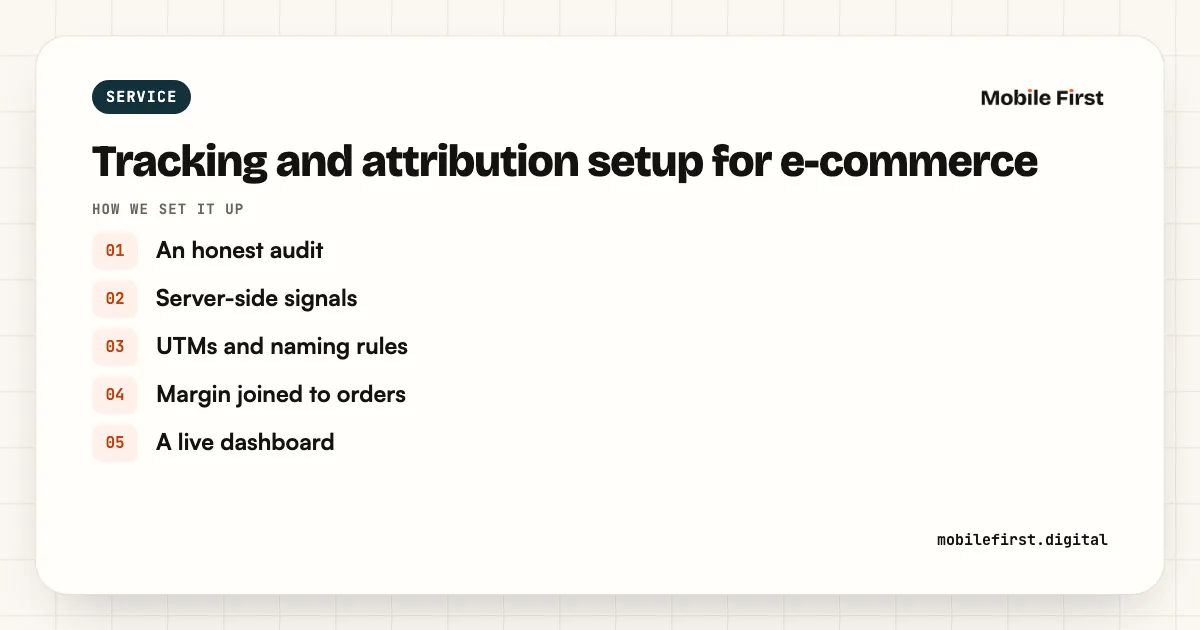
Tracking and attribution setup for e-commerce

Pixel, Conversions API and GA4 built properly, with website, marketplace and quick commerce in one view.

Who it is for: Brands that don't trust their numbers.

Tracking and attribution setup

  • Meta Pixel and Conversions APIServer-side events so Meta sees real orders.
  • Google enhanced conversions and GA4This sends accurate conversion data to Google and your analytics.
  • Other ad platformsWe also set up Snapchat and any other platform you advertise on.
  • Attribution viewYou see website, marketplace and quick commerce sales in one place.

Tracking and attribution setup: the formats we run

Each one used where it earns.

Meta Pixel and Conversions API

Server-side events so Meta sees real orders.

Google enhanced conversions and GA4

This sends accurate conversion data to Google and your analytics.

Other ad platforms

We also set up Snapchat and any other platform you advertise on.

Attribution view

You see website, marketplace and quick commerce sales in one place.

How we set up tracking and attribution setup

Step by step, in the order we do it.

  1. 1
    An honest audit

    We compare orders in Shopify with conversions in Meta, Google and GA4, to see what each one misses or counts twice.

  2. 2
    Server-side signals

    We set up the Meta Conversions API, Google enhanced conversions and server-side tagging where it helps, so fewer sales go missing.

  3. 3
    UTMs and naming rules

    Every channel gets UTM and naming rules, so traffic and sales show up in the right place in GA4.

  4. 4
    Margin joined to orders

    Product cost, shipping, RTO and returns are joined to orders, so reports show contribution margin, not just revenue.

  5. 5
    A live dashboard

    You get a live Looker Studio dashboard with ROAS and margin by channel, built from your own data.

What you get each month

  • A tracking health check every month
  • Fixes when a platform or app update breaks a tag
  • Dashboard upkeep as channels are added
  • A note on any gap between platform numbers and Shopify

What we need from you

  • Access to Shopify, GA4, Google Tag Manager and every ad account
  • Product cost data
  • Shipping, RTO and return reports from your logistics partner
  • A developer contact if your site is custom built

Facts we plan tracking and attribution setup around

Checked in October 2026, with the source for each.

Server-side signals

Meta's Conversions API and Google's enhanced conversions both send purchase data from your server or hashed customer data, to recover sales browsers miss.

Source: Meta and Google help centres

COD hides in the numbers

COD orders make up 58 to 64% of orders in Tier 2 and Tier 3 markets and most of the RTO, so platform revenue overstates what you keep.

Source: Base, 2026

What we do every week

Run by a senior marketer with five accounts at most.

  • Tracking audit against store orders
  • Server-side setup
  • Deduplication checked
  • Event match quality improved
  • One dashboard for all channels

Where brands lose money with tracking and attribution setup

Pixel only

Browser tracking misses a large share of orders.

Double counting

Pixel and server events counted twice inflate results.

Channels in silos

Marketplace sales never meet website data.

What you will see in every weekly report

You see ROAS and contribution margin side by side, every week.

In every weekly report

  • Event match quality
  • Orders tracked vs store
  • Attributed vs actual sales
  • What changed, what is next, and what didn't work

Custom reports, built for how you make money

  • Margin by product and size
  • ROAS by city and dark store
  • Repeat orders by cohort
  • RTO by pin code and payment method
  • Marketplace vs website profit

Weekly

Report and call

ROAS and margin by channel, what changed, what is next.

Monthly

Report and call

It compares results against your targets and sets next month's roadmap.

Quarterly

Projections and plan

Realistic numbers from your own data, checked against what actually happened.

The first 90 days

How tracking and attribution setup usually starts, from the free audit to the first quarterly plan.

  1. Week 1

    Tracking audit

  2. Weeks 2 to 4

    Setup built and tested

  3. Month 2

    Attribution view live

  4. Month 3

    First lift study read

How we run your account

The same operating rhythm on every account, from the first week.

A senior marketer

Owns your account and your targets, with five ad accounts at most.

Weekly report and call

ROAS next to contribution margin, what changed and what happens next.

Live dashboard

Every channel in one view, so you never wait for the weekly call.

Monthly review

Results against the targets agreed in writing, and next month's plan.

Quarterly plan

Projections built from your own numbers, checked against what happened.

Slack or WhatsApp

Day-to-day questions answered by the person who runs your account.

Agency vs in-house vs Mobile First, for Tracking and attribution setup

Agency vs in-house vs Mobile First, for Tracking and attribution setup
Typical agencyIn-house teamYour growth teamMobile First
SetupPixel installed and leftWhoever built the store
Pixel, Conversions API and GA4, built and tested
Checked againstThe ad dashboardNothing
Your store's actual orders
Marketplace salesNot trackedA monthly spreadsheet
In one view with your website
Proving ads workAttributed ROASGut feel
Conversion lift and brand recall studies

Tracking and attribution setup: questions brands ask

What is the Conversions API?

It is Meta's server-side way of receiving conversion events directly from your store, instead of only through the browser pixel. It recovers orders the pixel misses because of browsers and ad blockers, which gives Meta better data to optimise on.

How long does tracking setup take?

It usually takes one to two weeks, including testing against your store's actual orders.

Is setup a one-time fee?

Yes, it can be a fixed one-time fee, or a monthly retainer if you want us to maintain and monitor it.

Can you track marketplace sales?

Yes. We bring marketplace and quick commerce sales into the same view as your website, so you can compare channels on margin.

What do you set up?

We set up the Meta Pixel and Conversions API, Google enhanced conversions and GA4, and tracking for other ad platforms you use.

How do you check the tracking is right?

We test the tracking against your store's actual orders before anyone relies on the numbers.

Do you need our developer?

Sometimes we need a developer for about an hour. Most of the setup runs through store admin access.

Do you work with WooCommerce and custom stores?

Yes. We set up tracking on Shopify, WooCommerce and custom-built stores.

What is attribution?

Attribution decides which ad or channel gets credit for a sale. We show website, marketplace and quick commerce sales together so credit is fairer.

Will this help our ads perform better?

Usually it does. Platforms optimise on the conversions they see, so better data helps them find more buyers.


60 seconds

Are we a great fit?

Five questions, no email needed. You get an honest answer on screen.

Tracking and attribution setup for e-commerce: An honest audit; Server-side signals; UTMs and naming rules; Margin joined to orders; A live dashboard
Tracking and attribution setup for e-commerce, at a glance

Talk to us about tracking and attribution setup

Tell us about your brand. We read your accounts before the call, so it is about your numbers.

  • Free growth audit, yours to keep
  • ROAS and profit read for every channel
  • WhatsApp reply within one working day

Next: five quick questions, then pick a 30-minute slot.

Before you go: are any of your campaigns losing money?

Our free growth audit shows which campaigns lose money after returns and discounts. A senior marketer reads your accounts within 48 hours, and the audit is yours to keep.