

Blinkit ads management for D2C brands
Product Booster, banners and category takeovers, planned by city and judged after commission.
Who it is for: Food, beauty, personal care and home brands listed on Blinkit.
Services
All servicesMore
IndustriesResultsHow we workPricingFree toolsAboutContactProduct Booster, banners and category takeovers, planned by city and judged after commission.
Who it is for: Food, beauty, personal care and home brands listed on Blinkit.
Each one used where it earns.
Cost-per-click ads at the top of search and category listings. It is usually the highest-ROAS format.
Banners at the top of category pages, sold on CPM or fixed tenancy.
It gives you a full-width presence on a category, for launches or for defending shelf space.
You get in-feed placements and a dedicated brand page.
Step by step, in the order we do it.
We check which cities and dark stores stock your products. An ad shown where you are out of stock wastes money.
Search and category ads run on your hero products, keyword by keyword, with bids set by the margin on each product.
Budgets follow sales and stock in each city, so money goes where orders can actually be delivered.
When a store runs out, ads stop delivering there. We flag stock-outs to your team so they can be fixed fast.
We report margin after Blinkit's commission and fees by product, not only the ROAS shown in the panel.
Checked in October 2026, with the source for each.
Blinkit shows sponsored products only where a nearby dark store has the product, so stock decides where ads can run.
Source: Blinkit seller guides
About 16 to 17% of India's e-retail spend went through quick commerce in 2025, around $10 to 11 billion.
Source: Bain, How India Shops Online 2026
Run by a senior marketer with five accounts at most.
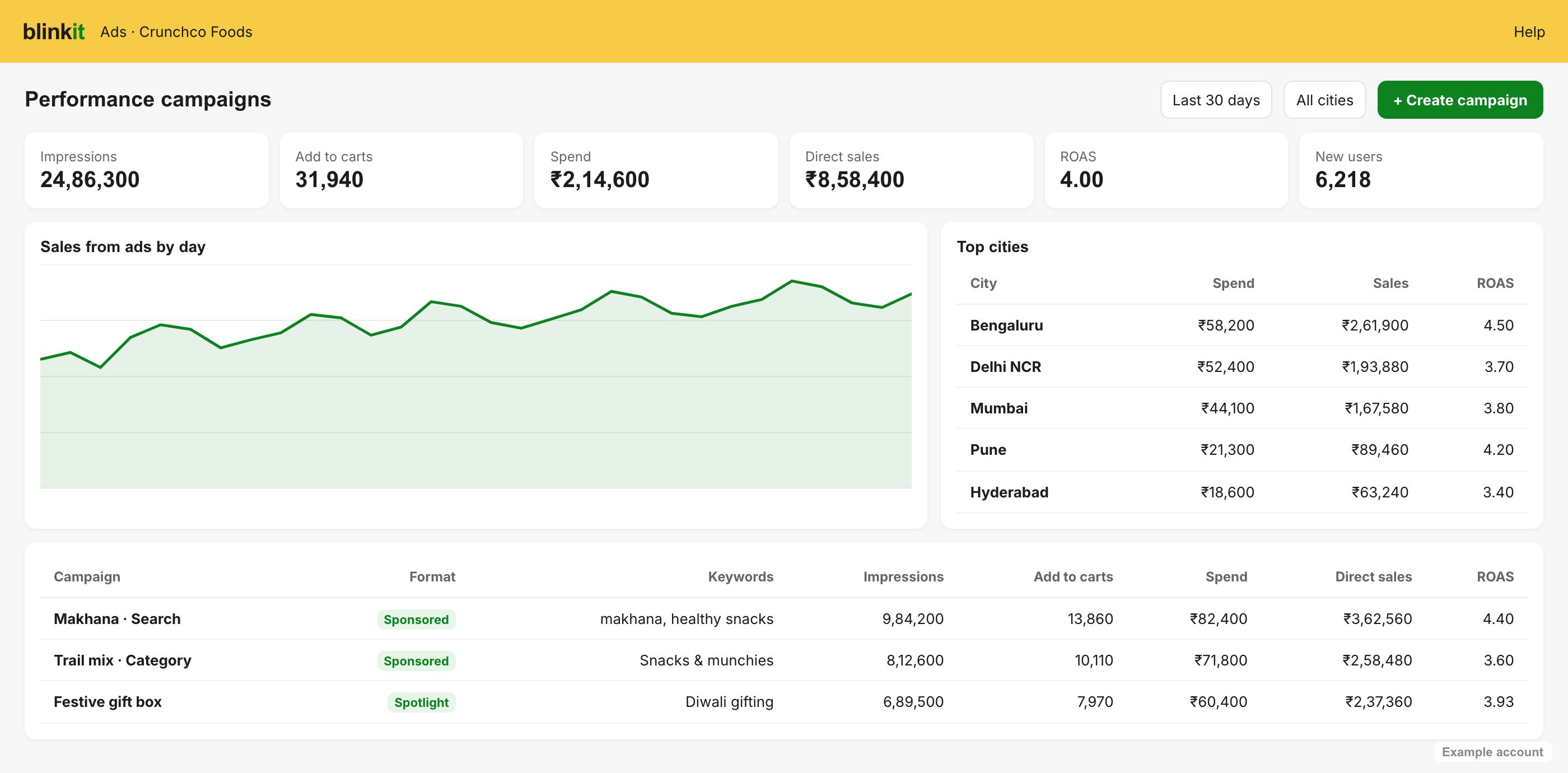
Agency data from 2026 shows platform ROAS of 3 to 5x often becomes 1 to 2.5x after commission and product cost.
Ads in cities without stock waste spend and hurt rank.
Awareness formats work after you have rank and reviews, not before.
You see ROAS and contribution margin side by side, every week.
Weekly
ROAS and margin by channel, what changed, what is next.
Monthly
It compares results against your targets and sets next month's roadmap.
Quarterly
Realistic numbers from your own data, checked against what actually happened.
How Blinkit ads usually starts, from the free audit to the first quarterly plan.
Week 1
Weeks 2 to 4
Month 2
Month 3
The same operating rhythm on every account, from the first week.
Owns your account and your targets, with five ad accounts at most.
ROAS next to contribution margin, what changed and what happens next.
Every channel in one view, so you never wait for the weekly call.
Results against the targets agreed in writing, and next month's plan.
Projections built from your own numbers, checked against what happened.
Day-to-day questions answered by the person who runs your account.
| Typical agency | In-house team | Your growth teamMobile First | |
|---|---|---|---|
| Bids based on | The ROAS shown in the Blinkit panel | Gut feel | Each product's margin after commission and fees |
| Bid changes | Weekly, or at review | When there is time | Daily on Blinkit |
| Out-of-stock products | Ads keep spending | Noticed when sales drop | Budgets moved by city as stock runs out |
| Reporting | One Blinkit report | A spreadsheet stitched together monthly | One profit report across quick commerce and your website |
Each industry page covers the season, channels and checks for that category.
Blinkit does not publish a rate card. Its own engineering blog describes ads priced on impressions, and costs vary by category, city and position. Banners and takeovers are sold on CPM or fixed tenancy. Some brands also report a listing fee per SKU per state returned as ad credits, so confirm current terms with your category manager.
Judge it after commission and product cost, not on the dashboard. A 4x platform ROAS can be under 2x once those are counted. We calculate your break-even for each product and scale only where Blinkit makes money.
Start with Product Booster. It sits where shoppers are already searching and usually returns the most. Banners and takeovers are better for launches and festive peaks once your products have rank.
Yes. We plan budgets city by city based on stock, demand and margin, and pause spend where dark stores are out of stock.
We run Product Booster search and category ads, plus banners and brand placements where they pay back.
Yes. Ads switch on only in cities and dark stores where your product is in stock.
On margin after commission and product cost, not on the ROAS the dashboard shows.
Yes. We run all three and compare them in one report.
No. Blinkit does not publish a rate card, so we start with a small test budget per city and scale what pays after commission.
Products people buy often or need quickly, such as food, beverages, personal care and pet supplies.
Five questions, no email needed. You get an honest answer on screen.
Great fit
Book 30 minutes and we will read your accounts before the call.
Book a callGood fit
You keep the findings either way.
Book a callNot yet
Our free tools will show you where your money goes today. When you cross ₹5 lakh a month, come back and we will read your accounts. If you would like advice before then, we are happy to talk.
Tell us about your brand. We read your accounts before the call, so it is about your numbers.